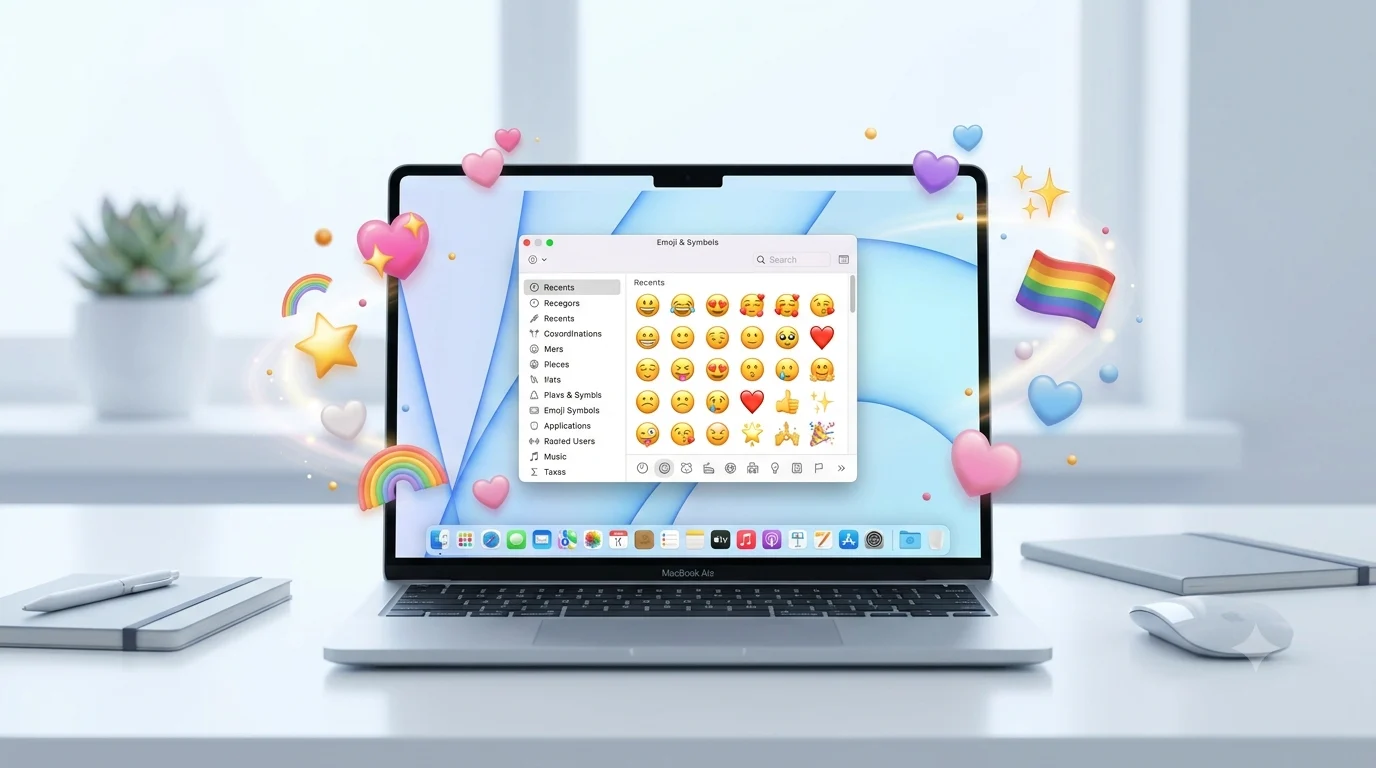
Ever been typing a message on your Mac and wanted the perfect emoji without reaching for your phone? Whether you are replying on WhatsApp, posting on Instagram, or reacting on TikTok, macOS has a built-in emoji keyboard that makes emoji typing incredibly fast.
This guide shows exactly how to open emojis on a Mac, what the most common emoji meanings are, how to copy-paste them, and why they sometimes look different on other devices.
On a Mac, the fastest emoji is often just one keyboard shortcut away.
What do emoji on Mac mean?
Mac shows the same Unicode emojis used across iPhone, Android, WhatsApp, Instagram, and TikTok. The meaning usually stays similar, but context can change the tone completely.
Here are the core emojis we will use throughout this guide:
| Emoji | Core meaning | Misread as | Best used when |
|---|---|---|---|
| 😊 | Warm happiness | Flirting | Friendly chats |
| 😂 | Something is very funny | Crying | Jokes and memes |
| 😍 | Strong admiration | Romantic commitment | Compliments and excitement |
| 🥰 | Affection and warmth | Being overly attached | Sweet personal messages |
| 😘 | Sending a kiss | Always romantic | Close friends or partners |
| 🥺 | Soft, emotional feeling | Manipulation | Asking gently or expressing vulnerability |
These same symbols appear in WhatsApp emojis, Instagram emojis, and most copy paste emojis lists online.
😊 Smiling Face
Meaning: Warm happiness, friendliness, and appreciation.
Example 1: Thanks for helping me 😊
Example 2: That made my day 😊
😂 Face with Tears of Joy
Meaning: Something is genuinely funny.
Example 1: I cannot stop laughing 😂
Example 2: That meme was too good 😂
😍 Smiling Face with Heart-Eyes
Meaning: Strong admiration, excitement, or attraction.
Example 1: Your new haircut looks amazing 😍
Example 2: I love this song 😍
🥰 Smiling Face with Hearts
Meaning: Affection, comfort, and emotional warmth.
Example 1: So proud of you 🥰
Example 2: Thank you for being here 🥰
😘 Face Blowing a Kiss
Meaning: Sending love, appreciation, or a playful kiss.
Example 1: Good luck today 😘
Example 2: Talk to you tonight 😘
🥺 Pleading Face
Meaning: A soft, emotional, or hopeful request.
Example 1: Please stay a little longer 🥺
Example 2: Can we talk? 🥺
😊 Smiling Face (again)
Meaning: Often used to soften a sentence.
Example 1: No worries at all 😊
Example 2: I understand what you mean 😊
😂 Face with Tears of Joy (again)
Meaning: Shared humor and inside jokes.
Example 1: You really said that? 😂
Example 2: I am sending this to the group 😂
🥰 Smiling Face with Hearts (again)
Meaning: Extra warmth and appreciation.
Example 1: You remembered my favorite snack 🥰
Example 2: That was incredibly thoughtful 🥰
😘 Face Blowing a Kiss (again)
Meaning: A light, affectionate sign-off.
Example 1: Sleep well 😘
Example 2: Miss you already 😘
How to use emoji on Mac the right way
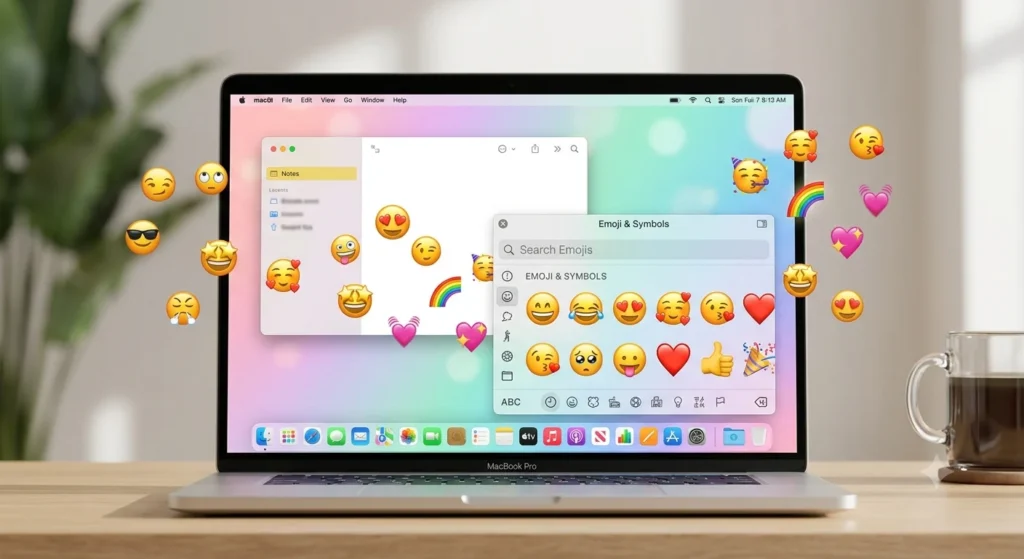
The fastest shortcut is Control + Command + Space. Press those three keys together and the macOS emoji picker opens instantly.
You can search by name, such as “smile,” “heart,” or “laugh,” then click the emoji to insert it anywhere you are typing.
Keep messages personal and expressive.
- “Made it home safely 😊”
- “That story was hilarious 😂”
- “Miss you already 🥰”
Think aesthetics and emotion.
- “Vacation mood 😍”
- “Photo dump incoming 😊”
- “Soft sunset vibes 🥰”
TikTok
Humor, exaggeration, and reaction culture work best.
- “Me pretending I understand 😂”
- “POV: someone compliments me 🥺”
- “This edit is too good 😍”
Quick dos and don’ts
Do
- Match the emoji to the emotion.
- Use one or two emojis for clarity.
- Keep your audience in mind.
Don’t
- Add five different emojis to one sentence.
- Use romantic emojis in professional emails.
- Assume everyone reads the same tone.
Best emoji on Mac combos — copy & paste
Romantic
- 👉 😍🥰 — “I’m completely into this.”
- 👉 🥰😘 — “Sweet and affectionate.”
- 👉 😍😘 — “Flirty with clear admiration.”
Cute
- 👉 😊🥰 — Friendly and wholesome.
- 👉 😊🥺 — Soft and supportive.
- 👉 🥰😊 — “You’re appreciated.”
Flirty
- 👉 😘😍 — Playful attraction.
- 👉 😘🥺 — “Please notice me.”
- 👉 😍😊 — Compliment without sounding too intense.
Missing someone
- 👉 🥺😘 — “I wish you were here.”
- 👉 🥺🥰 — Emotional and comforting.
- 👉 😊🥺 — Gentle check-in.
Good night
- 👉 😊😘 — Warm bedtime message.
- 👉 🥰😘 — Romantic good night.
- 👉 😊🥰 — Cozy, caring sign-off.
These are especially useful as copy paste emojis for captions, DMs, and quick replies.
Trending emoji on Mac in 2026
The same emojis tend to appear across Apple devices, but a few are especially common in current online conversations.
| Emoji | Why trending | Who uses it | Platform |
|---|---|---|---|
| 🥺 | Soft, relatable reactions | Younger users | TikTok |
| 🥰 | Warm appreciation posts | Friends and couples | |
| 😂 | Meme and reaction culture | Almost everyone | |
| 😍 | Compliments and hype comments | Content creators |
Emoji habits keep evolving as new memes, aesthetics, and online communities shape how people express tone and emotion.
FAQ
What is the most popular emoji on Mac?
😂 is consistently one of the most used emojis because it works in almost any casual conversation. It is especially common in group chats and meme sharing.
What does 🥰 mean from a girl or boy?
🥰 usually signals warmth, affection, or genuine appreciation. It can be romantic, but it is also commonly used between close friends and family members.
Why do emojis look different on iPhone vs Android?
Apple, Google, and other companies design their own artwork for the same Unicode emoji. The meaning is usually the same, but the facial expression or style can look slightly different.
Are emoji on Mac used differently in other countries?
Yes. Some emojis carry different cultural tones depending on the country and platform. A symbol that feels playful in one place may seem more romantic or formal somewhere else.
Using emoji on Mac is less about memorizing symbols and more about matching the right emotion to the moment. Once you learn the Control + Command + Space shortcut, adding WhatsApp emojis, Instagram emojis, and romantic emojis becomes almost effortless.
The best emoji is the one that makes your message sound more human, warm, and easy to understand.
Conclusion
Using emoji on Mac is one of the easiest ways to make your conversations feel more natural, expressive, and engaging. Whether you’re chatting on WhatsApp, creating eye-catching Instagram captions, replying to emails, or commenting on TikTok, Mac’s built-in emoji picker lets you add the perfect emotion in seconds.
Remember that emojis can look slightly different across devices, but their purpose is still to help people communicate feelings, reactions, and personality. By learning the right shortcut, choosing emojis that match the tone of your message, and using thoughtful combinations, you’ll communicate more clearly without overusing them. As trending emojis 2026 continue to shape online conversations, knowing how to access and use them on your Mac keeps your messages modern and relatable. Try the emoji shortcuts, experiment with your favorite copy paste emojis, and enjoy making every conversation a little more colorful, friendly, and memorable.

Ethan Brooks is a digital language writer who explains emoji meanings, internet slang, and social media symbols through clear, reliable, and easy guides.